Article Outline
- Understanding garage door Wi-Fi connectivity
- What you need before setting up a smart garage door system
- How to connect your garage door opener to Wi-Fi
- Key benefits of a Wi-Fi-enabled garage door
- Security, privacy, and reliable everyday use
- Troubleshooting common connectivity problems
- When professional garage door service makes sense
- Conclusion and frequently asked questions
Understanding Garage Door Wi-Fi Connectivity
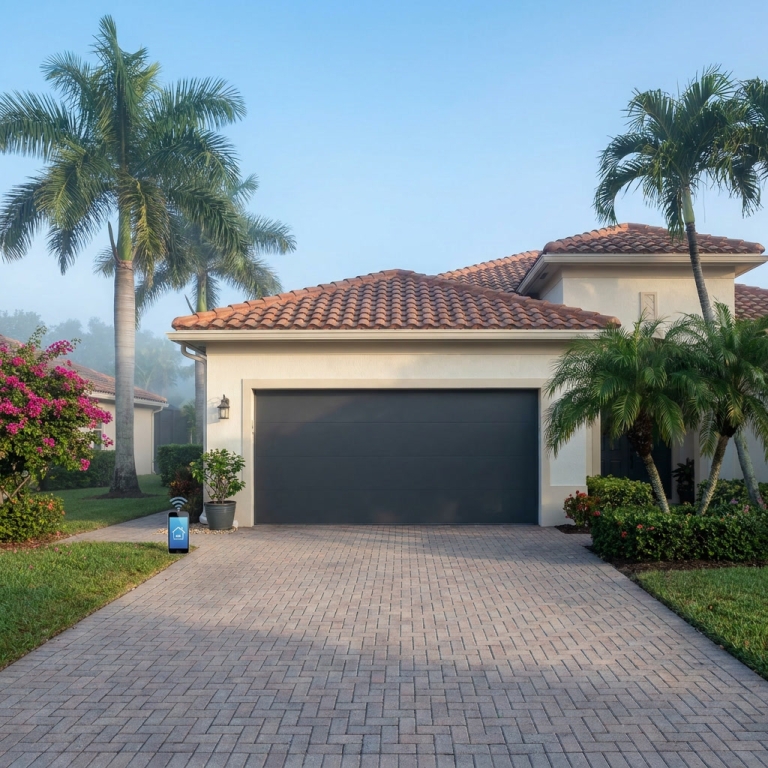
A Wi-Fi-enabled garage door opener turns an ordinary garage door into a connected home device. Instead of relying only on a wall button or handheld remote, you can use a smartphone app to open, close, monitor, and manage your garage door from almost anywhere. Whether you are at work, traveling, or relaxing on the couch, your phone can become a virtual garage door remote.
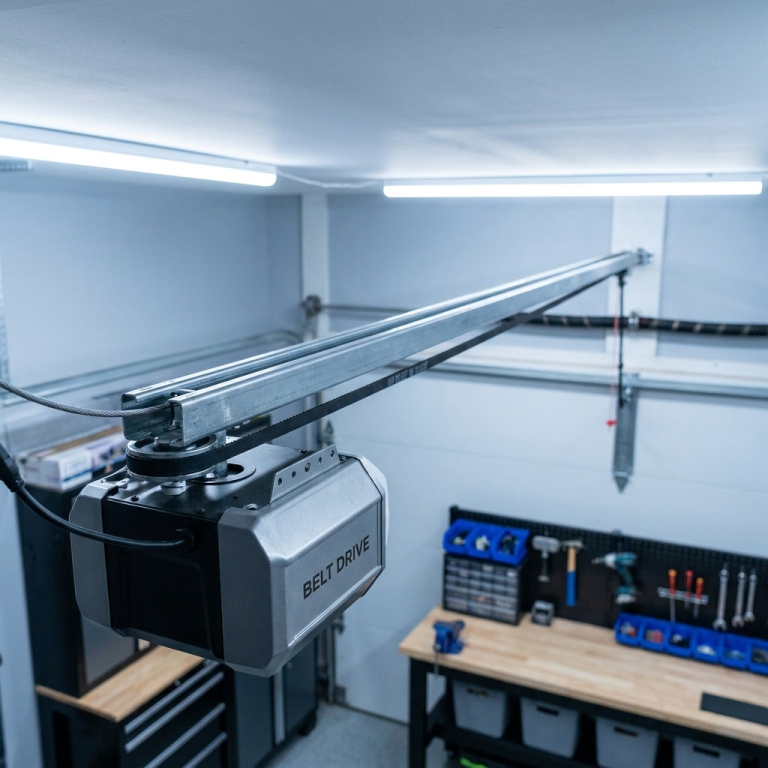
How does it work? In most cases, a smart garage door system includes a Wi-Fi hub, a door-position sensor, and an app for your smartphone. The hub communicates with your garage door opener and connects to your home wireless network. The sensor confirms whether the door is open or closed, while the app lets you send commands and receive notifications.
Some newer garage door openers include built-in Wi-Fi. Older models may need an aftermarket smart controller. Before buying anything, check whether your existing opener is compatible. You can also review garage door services to learn more about opener systems and available solutions.
Think of Wi-Fi connectivity as adding a nervous system to your garage door. The motor still performs the physical work, but the smart system gives you information and control. It can tell you when the door moved, alert you if it stays open, and sometimes create schedules for automatic operation.
That convenience matters because the garage often serves as a primary entrance to the home. Families use it for daily arrivals, package deliveries, storage, and access to vehicles. A connected garage door gives you a clearer view of what is happening at that important entry point. For additional information, visit the company’s garage door repair resource or explore options for smart garage door installation.
What You Need Before Setting Up a Smart Garage Door System
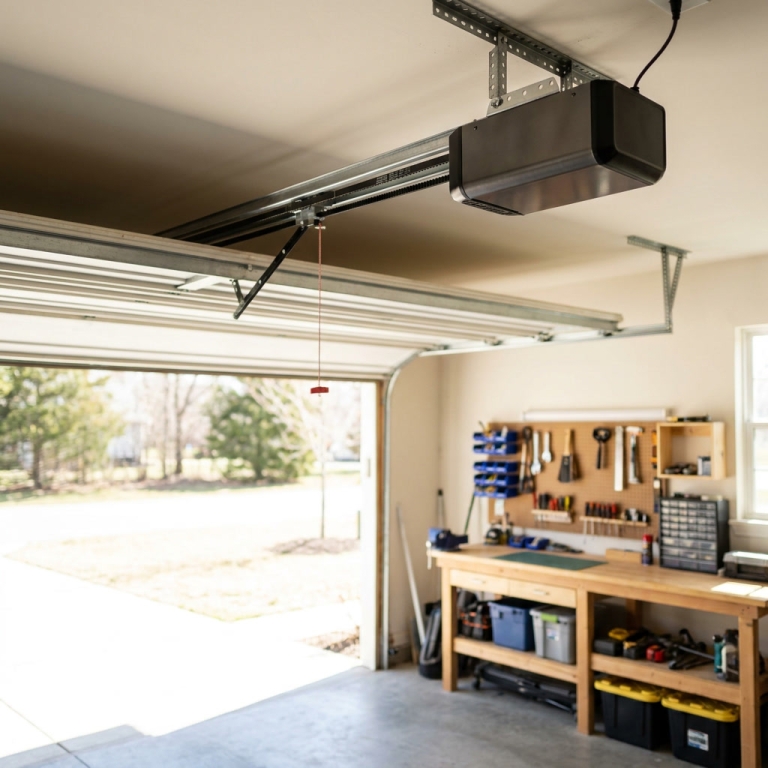
Setting up garage door Wi-Fi connectivity is usually straightforward, but preparation makes the process smoother. Start by identifying the brand and model of your garage door opener. Look for a label on the motor housing, usually mounted on the ceiling. Write down the model number because compatibility can vary between manufacturers and generations.
Next, check your home network. Most smart garage door controllers require a stable 2.4 GHz Wi-Fi connection. Some newer products support both 2.4 GHz and 5 GHz networks, but 2.4 GHz often travels more effectively through walls and ceilings. If the garage sits far from your router, test the signal from inside the garage before beginning installation.
You will also need a smartphone, the manufacturer’s app, your Wi-Fi password, and access to a power outlet near the opener. Keep your phone’s Bluetooth and location services enabled during setup if the app requests them. These features can help the app discover and configure the controller.
Safety is equally important. Inspect the garage door before connecting any smart device. Does it open evenly? Does it reverse when an object interrupts the safety sensors? Are the cables, rollers, springs, and tracks in good condition? Wi-Fi technology cannot correct a door that is mechanically damaged. In fact, repeatedly operating a faulty door may increase the damage.
For guidance about garage door maintenance, you can review professional service information before installation. It is also wise to keep the original wall control and remote available. Smart technology should add convenience, not eliminate basic controls in an emergency. If the opener is old, noisy, or unreliable, consider discussing garage door opener replacement with a qualified technician.
How to Connect Your Garage Door Opener to Wi-Fi
The exact setup process differs by brand, but the general steps are similar. First, download the official app for your opener or smart controller. Create an account using a strong, unique password. Avoid using the same password you use for email, banking, or other important services. Your garage door account controls access to your home, so it deserves serious protection.
After signing in, select the option to add a new device. The app will usually ask you to put the Wi-Fi hub or opener into pairing mode. This may involve pressing a learn, connect, or Wi-Fi button on the motor unit. A flashing indicator light typically confirms that the device is ready to connect.
Follow the app’s instructions to select your home network and enter the Wi-Fi password. Keep the phone near the opener during this process. If the connection succeeds, the app should allow you to name the garage door, such as “Main Garage” or “Side Garage.” Naming becomes especially useful if you manage more than one property or door.
The next step involves installing the door sensor. The sensor generally attaches to the garage door itself or to a nearby track, depending on the product. The app may ask you to open and close the door so it can learn the correct position. Do not rush this step. A poorly aligned sensor may report that the door is closed when it is actually open.
Once setup is complete, test the system several times. Open the door from the app, close it, and confirm that notifications arrive correctly. Walk away from the garage and test remote operation through your cellular connection if the manufacturer permits it. You can find more advice through garage door opener support, while professional garage door technicians can help when installation becomes confusing or unsafe.
The Main Benefits of Garage Door Wi-Fi Connectivity
The biggest benefit of a connected garage door is control. Have you ever driven away and suddenly wondered whether you closed the garage? With a smart system, you can check the door’s status from your phone instead of turning around and worrying for the next hour. If the door is open, you may be able to close it remotely with a tap.
Notifications add another layer of convenience. Many systems can alert you when the door opens or closes. You might receive a message when a child arrives home from school, when a family member leaves for work, or when a delivery driver places a package inside the garage. These alerts help you understand activity without constantly checking a camera or listening for the motor.
Smart access can also simplify life for guests and service providers. Instead of hiding a spare key or handing out a physical remote, you may be able to grant temporary access through the app. Depending on the system, you can create guest permissions, set time limits, or revoke access later. That flexibility is useful for dog walkers, cleaners, contractors, and visiting family members.
Another advantage is integration with other smart home devices. Some garage door systems work with voice assistants, home security platforms, lights, and automation routines. For example, your lights might turn on when the garage opens at night. A home security system may include the garage in its activity reports. These small connections can make the entire home feel more responsive.
Wi-Fi connectivity may also encourage better maintenance habits. Some apps record activity and help you notice unusual behavior, such as the door opening repeatedly or taking longer than usual to close. Those signs may point to worn rollers, a weak spring, or a sensor problem. Learn more about garage door inspections and explore smart home garage solutions for ways to improve convenience without overlooking mechanical care.
Security, Privacy, and Reliable Everyday Use
Smart garage door technology can improve security, but it should not be treated as a magic shield. The system is only as strong as its account security, home network, and physical door hardware. Begin by using a unique password and enabling two-factor authentication if the app offers it. Two-factor authentication creates an additional barrier if someone discovers your password.
Keep the opener’s app and your phone’s operating system updated. Manufacturers release updates to improve performance, fix bugs, and address security weaknesses. Automatic updates are convenient, but check occasionally to confirm that the system is still operating normally after an update.
Be careful when sharing access. Give each trusted user an individual account when possible instead of passing around your personal login. Review the access list from time to time. A former tenant, contractor, or house sitter should not retain access indefinitely. Removing old users is a simple task that many homeowners forget.
Privacy also deserves attention. A smart garage door app may collect information about opening times, locations, devices, and user activity. Read the privacy settings and understand what information the service stores. If the system includes cameras or audio, review those settings separately. Convenience should never require you to ignore your own boundaries.
Finally, maintain a backup plan. If your internet connection fails, the wall button and standard remote may still work, but remote app access will probably be unavailable. Keep a charged remote available and know how to use the manual release only when necessary. For practical advice about garage door safety, you can consult experienced professionals. You may also find garage door repair guidance useful when a connectivity issue appears to be caused by a mechanical fault rather than a network problem.
Troubleshooting Common Wi-Fi Connectivity Problems
Even a well-designed smart garage door system can occasionally lose its connection. The first troubleshooting step is simple: check whether your home internet is working. Try another device near the garage. If several devices have trouble connecting, restart your router and wait a few minutes before testing the opener again.
If the router works but the garage controller remains offline, check its power supply. A loose plug, tripped outlet, or failing power adapter can make the device appear to have a Wi-Fi problem. Look for indicator lights on the hub or opener and compare them with the manufacturer’s instructions.
Distance can cause another common issue. Garages often have concrete walls, metal doors, vehicles, and appliances that interfere with wireless signals. Moving the router closer may help, although a mesh Wi-Fi system or properly placed extender can be a more practical long-term solution. Avoid placing the controller inside a metal cabinet, where the signal may become weak.
A wrong Wi-Fi password or changed network name can also disconnect the system. If you recently replaced your router, you may need to reconnect the opener from the beginning. Some apps allow you to update the network without deleting the device, while others require a factory reset. Use the reset process carefully because it may erase users, schedules, and settings.
Do not overlook the door sensor. If the app says the door is open when it is closed, inspect the sensor’s position, battery, and alignment. If the door does not move at all, the issue may involve the motor, springs, tracks, safety sensors, or wiring instead of Wi-Fi. In that situation, review emergency garage door repair options rather than repeatedly pressing the app button. Professional garage door troubleshooting can protect both your equipment and your safety.
When Professional Garage Door Service Makes Sense
Connecting an app is a manageable do-it-yourself project for many homeowners, but not every garage door problem belongs on a weekend checklist. Garage doors are heavy systems supported by high-tension springs, cables, rollers, and tracks. If one of those components fails, the door can become dangerous quickly.
Call a professional if the door is crooked, slams down, refuses to reverse, makes grinding or snapping sounds, or becomes unusually heavy. You should also seek help if the opener runs but the door does not move, the cables appear loose, or a spring is broken. Never attempt to adjust or replace a torsion spring without the proper training and equipment.
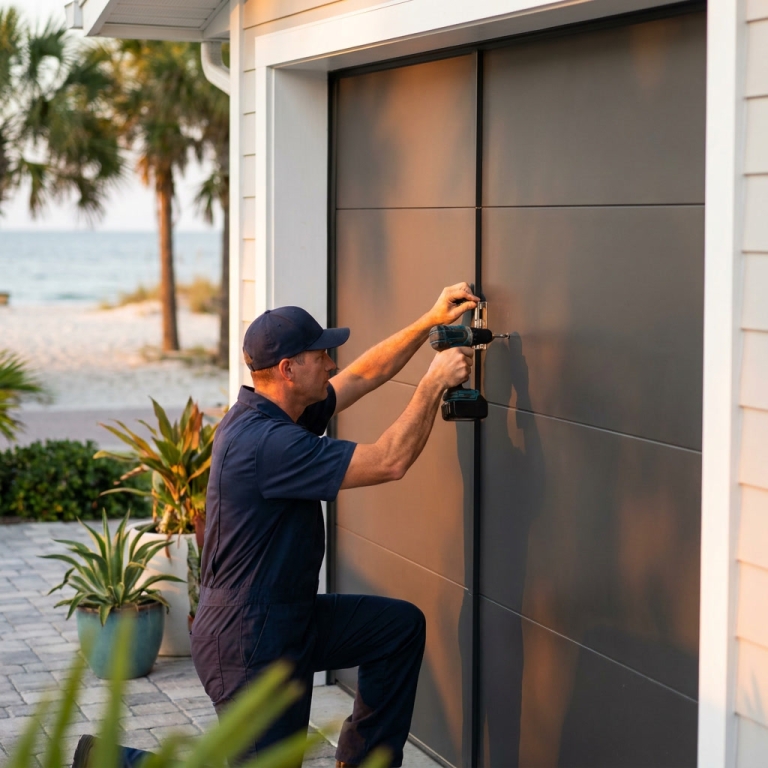
Professional help is also worthwhile when a smart opener is incompatible with your existing equipment. A technician can inspect the door, verify the opener’s condition, install the controller correctly, and test the safety-reverse system. That approach saves time and reduces the risk of connecting modern technology to an unsafe mechanical setup.
For homeowners in South Florida, prompt service can be especially valuable after storms, power surges, or sudden mechanical failures. A damaged door may leave your vehicle trapped inside or create an easy access point to the home. Need emergency garage door repair near me in Broward County, Florida? Same-day service, 13+ years experience, 450+ five-star reviews. Call (954) 830-9661.
Whether you need a repair, replacement, inspection, or smart opener setup, start with a clear description of the problem. Mention the opener brand, the door’s symptoms, and any error messages shown in the app. You can also review same-day garage door service and Broward County garage door repair information before scheduling an appointment.
Conclusion: Is Garage Door Wi-Fi Connectivity Worth It?
Garage door Wi-Fi connectivity is more than a trendy gadget. It gives you remote control, activity alerts, guest access, and a convenient way to confirm that one of your home’s main entry points is secure. Setup usually requires a compatible opener, a reliable wireless signal, a smartphone app, and a correctly installed door sensor.
The smartest approach is to combine technology with sound maintenance. Keep your app updated, protect your account, review shared users, and test the door’s safety features regularly. Remember that a connected opener cannot repair a broken spring or correct a damaged track. The app is the dashboard, not the engine.
When installed on a properly maintained garage door, Wi-Fi connectivity can feel like having a helpful neighbor who always knows whether the door is open. It reduces worry, improves access control, and makes everyday routines easier. If mechanical trouble appears, do not gamble with a heavy moving system. Use qualified garage door professionals to restore safe operation before relying on smart features again.
Frequently Asked Questions
Can I add Wi-Fi to an older garage door opener?
In many cases, yes. An aftermarket smart garage door controller may work with an older opener if the model is compatible and the opener has functioning safety sensors. Check the manufacturer’s compatibility list before purchasing. If the opener is very old, unreliable, or missing modern safety features, replacing it may be a better option.
Does garage door Wi-Fi work if my internet goes out?
The wall button and traditional remote may continue working during an internet outage, but app-based remote access and notifications usually will not. Once your internet connection returns, the system should reconnect automatically. Keeping a standard remote available gives you a useful backup.
Is a Wi-Fi-enabled garage door secure?
It can be secure when configured properly. Use a strong unique password, enable two-factor authentication, update the app, secure your home router, and remove old guest accounts. Also inspect the physical garage door and locking hardware because digital security and mechanical security work together.
Why does my app say the garage door is open when it is closed?
The sensor may be misaligned, low on battery, damaged, or attached incorrectly. Check the sensor position and battery first. If the status remains wrong, recalibrate the system according to the manufacturer’s instructions. A technician can help if the problem involves wiring, the opener, or the door’s movement.
Should I install a smart garage door controller myself?
Many homeowners can complete a basic installation by following the manufacturer’s instructions. However, professional installation is a wise choice if the opener is old, the wiring is confusing, the Wi-Fi signal is weak, or the door has mechanical problems. A professional can verify both connectivity and safe door operation.
Skip the YouTube rabbit hole - we'll have a tech at your door same day across Broward, Dade and Palm Beach.