Short answer: 90% of garage door opener remote failures are dead batteries. Replace the battery first (most modern remotes use a CR2032 or CR2025 coin cell, $3-$5 at any drugstore). If that fails, re-program the remote to the opener using the LEARN button on the motor unit — takes 30 seconds. If both fail, the receiver inside the opener may have failed ($75-$150 repair). Here's the full 5-step diagnostic.
Step 1: Replace the battery (fixes 90% of cases)
Slide the battery cover off the back of the remote. Note the battery type — common ones:
- CR2032 — coin cell, 3V, most modern LiftMaster / Chamberlain / Genie remotes
- CR2025 — slightly thinner coin cell, some Genie and older LiftMaster
- 23A or A23 — small cylindrical 12V, some older LiftMaster / Chamberlain remotes
- 9V — older 1980s-90s remotes
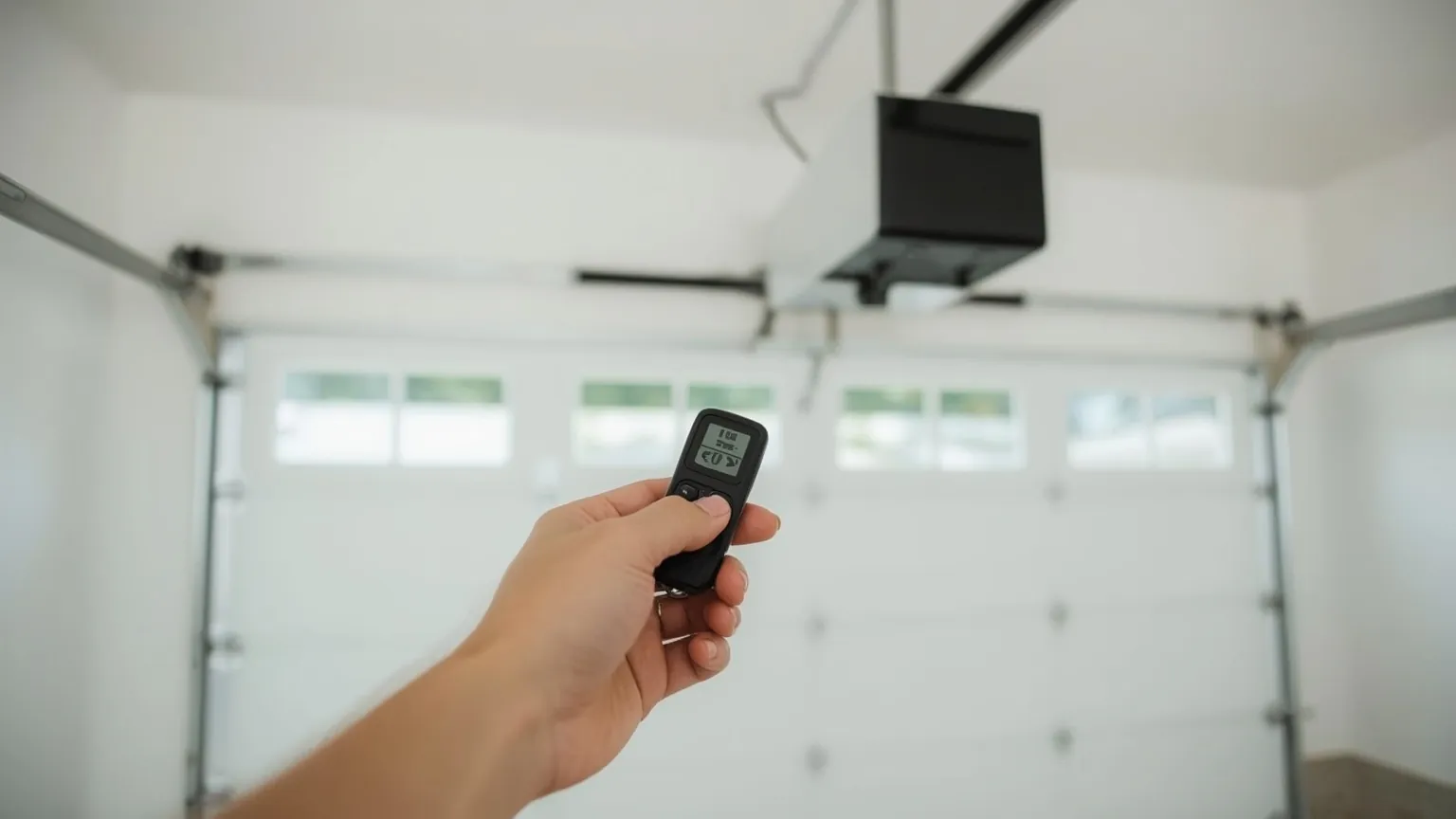
Buy the matching battery at any drugstore, hardware store, or Amazon ($3-$5). Pop the new one in, close the cover, press a button — the LED on the remote should light up bright when pressed. If yes, walk to the garage and test against the door. Fixed: done.
If the LED lights but the door still doesn't respond, move to step 2.
Step 2: Re-program the remote to the opener
Every opener has a small LEARN button on the motor unit (the box on the ceiling). It's usually next to a colored LED. The color tells you the protocol:
| LEARN button color | Brand / protocol |
|---|---|
| Purple / Red-Learn | LiftMaster / Chamberlain (Security+ 2.0, rolling code) |
| Yellow | LiftMaster (Security+ 2.0 latest) |
| Orange / Red | LiftMaster (older 315/390 MHz) |
| Green / Red | LiftMaster (older Billion Code) |
| Square / round | Genie (Intellicode) |
Re-programming procedure (same for all brands, color tells you which button):
- Get a ladder and reach the opener's LEARN button.
- Press and release the LEARN button — the LED next to it lights up for 30 seconds.
- Within those 30 seconds, walk to your car and press-and-hold the button on the remote you want to program for 3 seconds.
- The opener's LED will turn off (LiftMaster) or click (Genie) when learning is complete.
- Test by pressing the remote — door should open.
If learning fails (LED times out without confirming), the remote and opener may be on different protocols — see step 4.
Step 3: Test the remote's range
Stand directly under the opener and press the remote. If it works at 5 feet but not at 30 feet, the issue is one of:
- Battery is weak (replace even if it tested OK — LED brightness doesn't equal signal strength)
- Antenna wire on the opener is missing or damaged (the 8-inch dangling wire under the motor unit)
- RF interference (LED light bulbs near the opener are a common culprit — swap them for incandescent or filament-LED to test)
- Remote has internal damage from being dropped, wet, or sat-on
Step 4: Check protocol compatibility
Older remotes and newer openers (or vice versa) may not be compatible. Quick checks:
- If your opener is post-2011 with a yellow or purple LEARN button, it's Security+ 2.0 and only works with rolling-code remotes from 2011+.
- If your remote is from before 2005, it's likely a fixed-code remote and won't work with modern Security+ 2.0 openers.
- If you replaced the opener but kept the old remote, you almost certainly need new remotes — modern openers are rolling-code, old remotes were fixed-code.
Universal remotes (Genie Intellicode-G, LiftMaster 380UT, etc.) handle multiple protocols and cost $25-$45 — usually cheaper than a brand-specific replacement remote.
Step 5: When to call a pro
Time to call us if:
- The wall-button works but no remote works — receiver inside the opener may have failed ($75-$150 to replace the logic board, or $300-$500 for a full opener replacement if the motor is also old)
- The opener clicks but the door doesn't move — that's a motor/gear/spring problem, not a remote problem
- Programming fails repeatedly on a new replacement remote — the opener's memory may be full (most hold 8-32 remotes; clear it with the procedure in the opener manual)
- The remote works intermittently in some weather but not others — moisture in the receiver or remote, sometimes worth professional diagnosis
If the battery, reprogramming, and range checks above don't fix it, the receiver itself may be the point of failure. See our garage door opener replacement page for what's involved in swapping the unit instead of chasing another remote repair.
What replacement remotes cost
| Item | Price |
|---|---|
| OEM brand-specific remote (LiftMaster / Genie) | $35-$55 |
| Universal remote (multi-brand compatible) | $25-$45 |
| Keypad (wall-mounted outside, no remote needed) | $40-$75 |
| MyQ smart hub (control via phone) | $50-$95 |
| Receiver / logic board replacement | $75-$150 + labor |
FAQs about garage door opener remotes
How do I know which battery my remote needs?
Open the battery compartment and read the existing battery — the type code (CR2032, CR2025, 23A, 9V) is printed on it. If the existing battery is missing, the remote's model sticker usually lists the battery type, or the manual can be found on the manufacturer's website by serial number.
How often should I change the remote battery?
Coin-cell batteries (CR2032/2025) typically last 2-3 years with normal use. 23A cylindrical batteries last 1-2 years. 9V last 1-2 years. If your remote is more than 3 years old and you haven't replaced the battery, that's almost certainly the issue.
Can I program multiple remotes to one opener?
Yes — most modern openers hold 8-32 remotes. The LEARN-button procedure is the same for each one. If learning fails, the memory may be full; the manual has the "clear all" procedure (usually press-and-hold LEARN for 6 seconds).
What if my MyQ app stops working?
MyQ outages are usually app-side (Chamberlain's cloud), not opener-side. Restart the app, check chamberlaingroup.com for outage notices, and verify your home WiFi is on the same network the hub connects to. If MyQ has been down for 24+ hours, contact Chamberlain support directly.
Do replacement remotes need to be the same brand as the opener?
For best compatibility, yes - buy the OEM brand-specific remote ($35-$55). For older openers being upgraded, universal remotes ($25-$45) cover most protocols and work fine. Cheap unbranded remotes from Amazon often turn out to be returns or counterfeit - the $5 savings rarely justifies the failure rate.
Does a LiftMaster remote use a CR2025 or CR2032 battery?
Most modern LiftMaster remotes take a CR2032 coin-cell battery. Some slimmer or older LiftMaster models use the thinner CR2025 instead. The two look similar but aren't interchangeable, so check the type code stamped inside the battery compartment before buying a replacement.
Skip the YouTube rabbit hole - we'll have a tech at your door same day across Broward, Dade and Palm Beach.