A garage door that opens unexpectedly is a serious safety concern. Causes can range from electrical issues and faulty openers to interference from remotes or wall buttons. Addressing the issue promptly is essential to prevent accidents and maintain home security. This guide from GarageFL provides detailed steps to troubleshoot, repair, and prevent a garage door from opening on its own.
Step 1: Check for remote interference
Garage door openers operate on radio frequencies, which can occasionally pick up signals from other devices. To reduce interference:
- Test by removing all remotes from the garage area and observe if the door still opens unexpectedly.
- Reprogram your remotes to new codes using the opener's "learn" function.
- Ensure nearby electronics, such as Wi-Fi routers or cordless phones, are not interfering with the opener frequency.
Eliminating interference often resolves spontaneous door openings.
Step 2: Inspect the wall button and wiring
A stuck or malfunctioning wall button can send continuous signals to the opener. Inspect the wall button:
- Check for stuck buttons, debris, or water damage.
- Remove the cover and ensure wires are securely connected and free of corrosion.
- Use a multimeter to test for continuity - replace the button if it continuously signals even when not pressed.
Properly functioning wiring and buttons prevent accidental door activation.
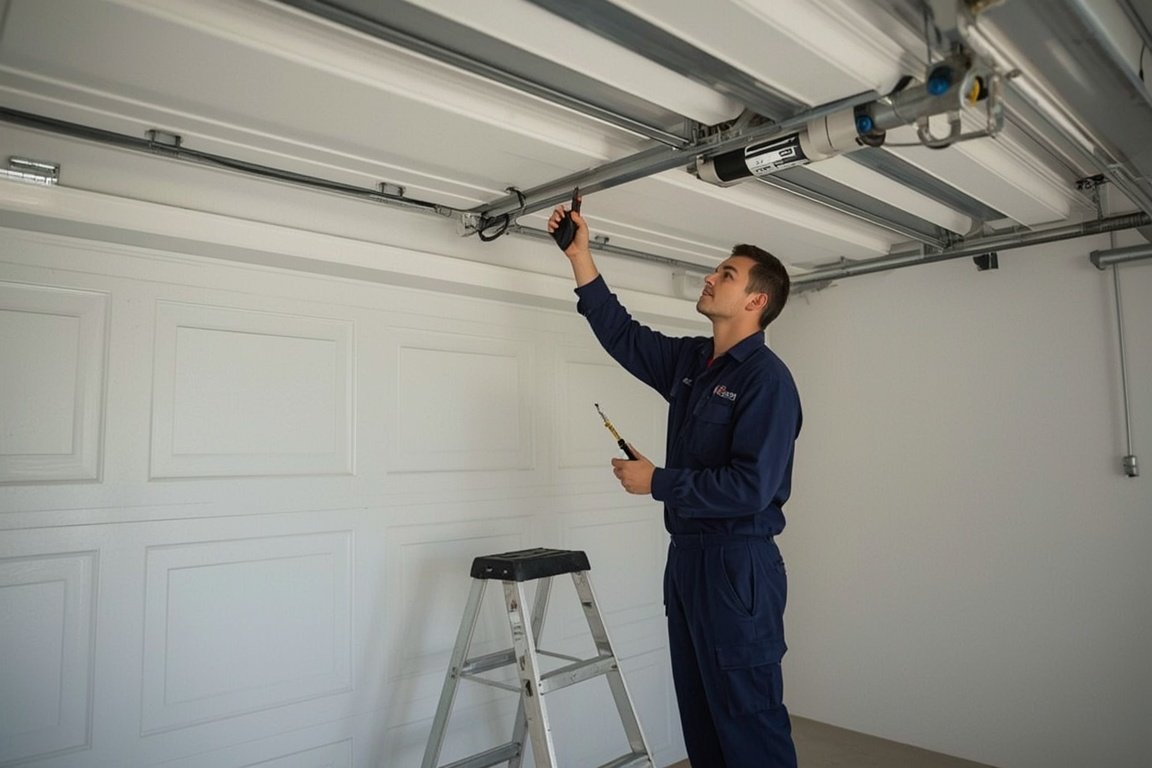
Step 3: Examine the garage door opener motor unit
The opener itself may have electrical faults or damaged components causing random activation. Check for:
- Loose wires or connections inside the motor unit.
- Burned or damaged circuit boards or relays.
- Firmware or software updates if using a smart garage door opener.
If internal damage is detected, professional repair or replacement is recommended.
Step 4: Test safety sensors
Safety sensors prevent the door from closing when obstructed but can also affect opening behavior if misaligned or malfunctioning. Inspect sensors:
- Ensure LEDs on both sensors are illuminated.
- Clean lenses with a soft cloth to remove dust or debris.
- Align sensors directly to each other so the beam is uninterrupted.
Proper sensor alignment prevents false signals that can cause the door to open unexpectedly.
Step 5: Disconnect smart home integrations
Smart garage door systems can sometimes trigger the door unintentionally due to automation or app errors. To troubleshoot:
- Disconnect the door from any smartphone apps or automation systems temporarily.
- Observe if the door operates normally without the smart interface.
- Update app firmware or reconnect carefully once stable operation is confirmed.
Verifying smart system function helps identify external triggers causing unintended opening.
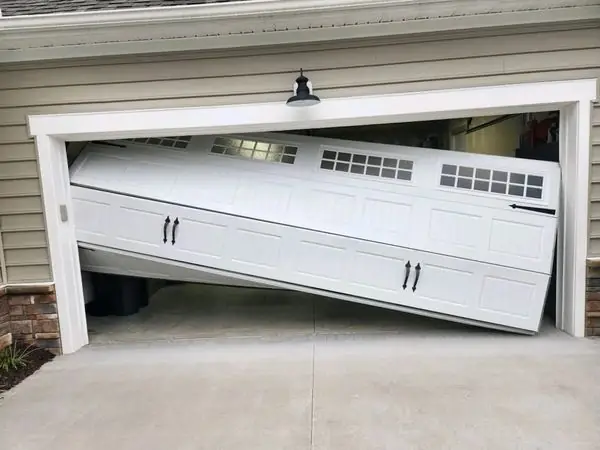
Step 6: Inspect for mechanical issues
Mechanical problems like unbalanced doors, worn springs, or damaged rollers can cause the door to move unexpectedly. Check for:
- Proper spring tension by disconnecting the opener and manually moving the door halfway; it should stay in place.
- Rollers and hinges in good condition without binding or sticking.
- Track alignment and absence of debris or obstructions.
Fixing mechanical issues ensures the door moves only when intended.
Step 7: Reset the opener
Resetting the garage door opener can clear glitches and restore normal operation:
- Locate the reset or "learn" button on the opener.
- Follow manufacturer instructions to reset the opener and erase all remotes and keypads.
- Reprogram remotes and keypads with new codes after reset.
Resetting often resolves erratic behavior caused by electrical or signal issues.
Step 8: Check the battery backup
If your opener has a battery backup, low or faulty batteries can trigger unintended door movement. Inspect the battery:
- Replace or charge the battery according to the manufacturer's instructions.
- Ensure proper connections and no corrosion on terminals.
- Test the door after replacement to confirm reliable operation.
Battery maintenance prevents unexpected activations and keeps the door functioning safely during power outages.
Step 9: Perform regular maintenance
Routine maintenance prevents issues that can cause doors to open on their own. Tasks include:
- Lubricate rollers, hinges, and tracks to reduce friction.
- Inspect and replace worn springs or cables.
- Clean the opener unit, sensors, and keypad to ensure proper communication.
Consistent maintenance keeps all components working reliably and prevents unexpected door movement.
Step 10: Call a professional for persistent problems
If the garage door continues to open by itself after troubleshooting, professional repair is required. GarageFL offers expert services including:
- Electrical and circuit board diagnostics.
- Spring, cable, and roller replacement.
- Smart system calibration and safe opener adjustments.
Professional service ensures safe, consistent, and secure garage door operation.
Final thoughts
A garage door that opens on its own can pose serious safety and security risks. Common causes include remote interference, faulty wall buttons, opener issues, sensor misalignment, smart system glitches, or mechanical problems. By inspecting electrical components, checking mechanical integrity, resetting the opener, and performing regular maintenance, most issues can be resolved. For persistent or complex cases, professional assistance from GarageFL guarantees safe, effective, and long-term solutions. Following these steps ensures your garage door operates reliably, securely, and safely every time.
Skip the YouTube rabbit hole - we'll have a tech at your door same day across Broward, Dade and Palm Beach.