Garage door keypads provide convenient and secure access to your garage without needing a remote. However, keypads can malfunction due to battery issues, wiring problems, or programming errors, leaving you locked out or unable to operate the door reliably. In this guide, GarageFL shares practical steps to troubleshoot and fix keypad malfunctions, helping you restore functionality and maintain garage security.
Understanding garage door keypad malfunctions
Keypad malfunctions may present as:
- The keypad does not respond when buttons are pressed.
- The garage door opens or closes inconsistently.
- Keypad lights or displays do not turn on.
- Repeated incorrect code messages even with the correct code.
Identifying the specific symptom helps determine whether the issue is electrical, mechanical, or programming-related.
Step 1: Check the keypad batteries
Most wireless keypads operate on batteries. Weak or dead batteries are the most common cause of malfunction. To fix this:
- Remove the keypad cover and replace old batteries with fresh, high-quality alkaline or lithium batteries.
- Ensure batteries are installed with correct polarity.
- Test the keypad to see if the display lights up and responds correctly.
Regular battery replacement prevents unexpected lockouts and maintains consistent keypad operation.
Step 2: Inspect wiring for wired keypads
For hardwired keypads, check the wires connecting the keypad to the garage door opener:
- Ensure wires are securely connected and free from corrosion.
- Look for pinched, frayed, or damaged wiring.
- Tighten terminal screws and repair or replace damaged wires as needed.
Loose or damaged wiring can prevent the keypad from communicating with the opener, resulting in intermittent or total malfunction.
Step 3: Reprogram the keypad
Programming errors are another common reason for keypad malfunctions. Reprogramming may resolve the issue:
- Refer to the opener's manual to access programming mode.
- Enter a new code according to instructions, ensuring correct length and sequence.
- Test the keypad to confirm that the door responds to the new code.
Reprogramming can also synchronize the keypad if it has lost connection to the opener due to power interruptions or electrical surges.
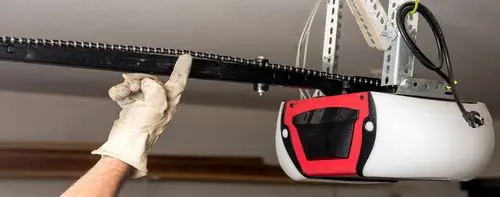
Step 4: Check the garage door opener settings
Sometimes the opener itself may have settings that affect keypad operation. Check the following:
- Ensure the "lock" or "vacation" mode is not activated, which disables keypad input.
- Reset the opener if necessary to clear errors or communication glitches.
- Verify the keypad is compatible with the opener model.
Adjusting settings can restore proper communication and functionality.
Step 5: Inspect for environmental interference
Wireless keypads transmit signals to the garage door opener. Environmental factors may interfere with the signal:
- Ensure the keypad is within the recommended range of the opener.
- Move the keypad away from metal surfaces, large appliances, or electronic devices that can block signals.
- Replace or upgrade the keypad if it cannot reliably communicate due to distance or structural interference.
Reducing interference improves signal reliability and reduces malfunctions.
Step 6: Clean the keypad
Dirt, dust, and moisture can accumulate on the keypad, causing buttons to stick or fail. To clean:
- Use a soft, dry cloth to wipe the keypad surface.
- For stubborn dirt, lightly dampen the cloth with water; avoid harsh chemicals.
- Ensure the keypad is fully dry before testing or closing the cover.
Regular cleaning keeps the keypad responsive and reduces wear on the buttons.
Step 7: Test all keypad buttons
Sometimes only certain buttons fail due to mechanical wear or contact issues. Press each button individually and observe:
- Non-responsive buttons may indicate internal contact failure.
- Worn or broken buttons may require keypad replacement.
Replacing a malfunctioning keypad is often more efficient than attempting complex internal repairs.
Step 8: Ensure proper security and codes
Keypads allow secure access, so multiple failed attempts or incorrect code sequences can temporarily lock the system. Check:
- If a "lockout" mode is active due to repeated incorrect entries.
- Reset the keypad or opener to clear temporary lockout conditions.
- Choose a secure code and update it regularly to maintain access security.
Proper code management prevents accidental lockouts and ensures the keypad functions reliably.
Step 9: Update or upgrade your keypad system
Older keypad models may be less reliable or incompatible with newer openers. Upgrading offers:
- Improved signal strength and range.
- Weather-resistant and durable designs for outdoor installation.
- Integration with smart home systems or smartphone apps for enhanced convenience.
An upgraded keypad reduces malfunctions and improves long-term reliability.
Step 10: Call a professional for persistent problems
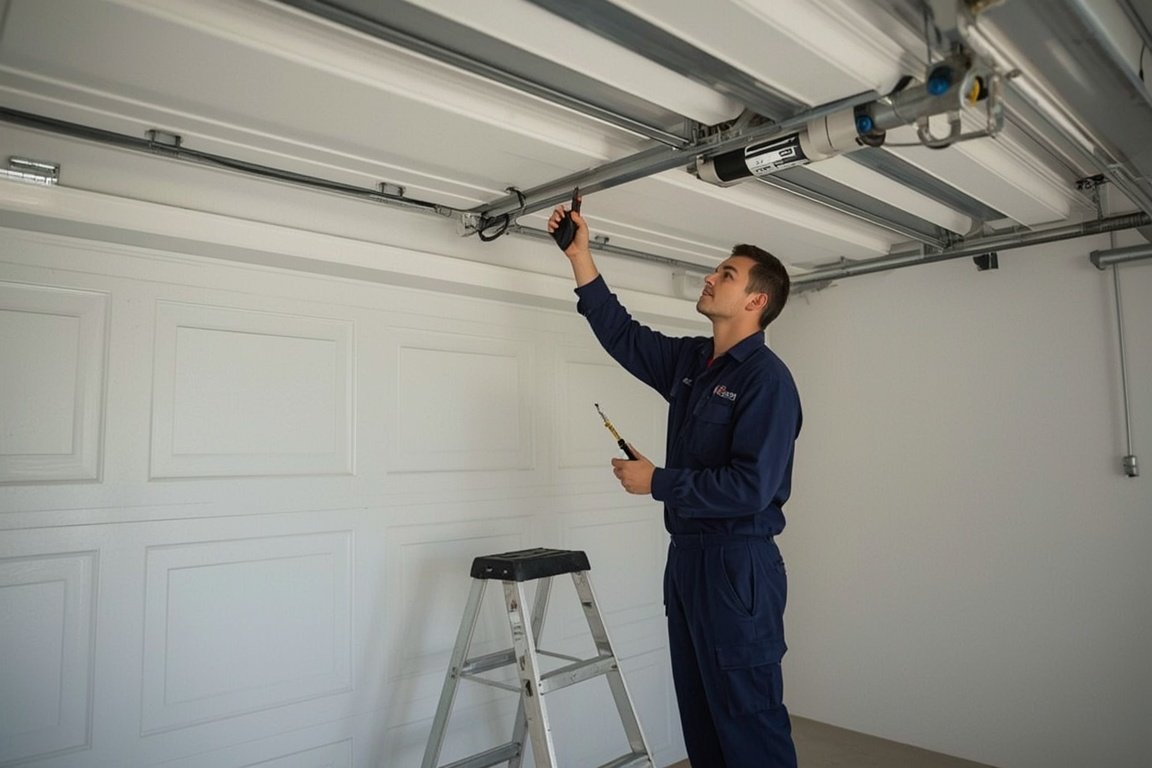
If the keypad continues to malfunction after troubleshooting, professional assistance may be required. GarageFL provides expert garage door keypad diagnostics, repair, and replacement services. Technicians can:
- Identify electrical or programming issues affecting the keypad.
- Install compatible replacement keypads safely and efficiently.
- Ensure proper synchronization with your garage door opener for long-term reliability.
Professional service guarantees safe, functional, and secure access to your garage.
Final thoughts
Garage door keypad malfunctions are often caused by battery issues, wiring problems, programming errors, or environmental interference. By checking batteries, inspecting wiring, reprogramming the keypad, adjusting opener settings, cleaning the keypad, and reducing interference, most issues can be resolved quickly. Regular maintenance and professional support from GarageFL ensure reliable operation, security, and convenience. Following these steps allows you to restore proper keypad function and maintain safe, efficient access to your garage door system.
Skip the YouTube rabbit hole - we'll have a tech at your door same day across Broward, Dade and Palm Beach.