Smart garage door openers have made life easier by allowing homeowners to open, close, and monitor their garage doors from anywhere using a smartphone app. However, like any smart device, garage door openers that rely on Wi-Fi can sometimes face connection issues. When the Wi-Fi stops working, remote access fails, notifications stop, and the system becomes unreliable.
If your garage door opener is not connecting to Wi-Fi, keeps disconnecting, or works intermittently, this guide will walk you through common causes, step-by-step fixes, and long-term solutions to restore a stable connection.
Understanding How Garage Door Opener Wi-Fi Works
Before troubleshooting, it helps to understand how a Wi-Fi-enabled garage door opener functions.
A smart garage door opener connects to your home Wi-Fi network (usually 2.4 GHz) and communicates with a cloud server managed by the manufacturer. Your mobile app connects to that server, allowing you to control the door remotely.
If any part of this chain fails - router, signal strength, firmware, or app - the Wi-Fi connection can break.
Common Garage Door Opener Wi-Fi Problems
Here are the most frequent issues homeowners face:
Garage door opener won't connect to Wi-Fi
Wi-Fi connection drops frequently
App shows the device as "offline"
Opener worked before but stopped after router change
Weak or unstable signal in the garage
Setup process fails repeatedly
The good news is that most of these problems can be fixed without replacing the opener.
Step 1: Check Your Wi-Fi Signal Strength in the Garage
One of the most common causes of Wi-Fi issues is poor signal strength.
What to Do:
Stand inside the garage with your smartphone
Check Wi-Fi signal bars
If the signal is weak or drops completely, the opener will struggle to stay connected
Solutions:
Move your Wi-Fi router closer to the garage
Install a Wi-Fi extender or mesh node near the garage
Avoid placing routers near metal objects or thick concrete walls
Tip: A Wi-Fi extender is often the fastest and most affordable fix.
Step 2: Make Sure You're Using the Correct Wi-Fi Network (2.4 GHz)
Most garage door openers do not support 5 GHz Wi-Fi networks.
Check This:
Log in to your router settings
Confirm that 2.4 GHz is enabled
Make sure the opener is connected to the 2.4 GHz network, not 5 GHz
If Needed:
Separate SSIDs (network names) for 2.4 GHz and 5 GHz
Temporarily disable 5 GHz during setup
This simple step fixes many connection problems instantly.
Step 3: Restart Your Router and Garage Door Opener
Sometimes the issue is as simple as a temporary software glitch.
Restart Process:
Unplug your Wi-Fi router for 30 seconds
Plug it back in and wait until fully connected
Power-cycle the garage door opener
Reopen the mobile app and check connection status
This refreshes network assignments and clears minor conflicts.
Step 4: Update the Garage Door Opener Firmware
Outdated firmware can cause compatibility and security issues.
Why This Matters:
Manufacturers release updates to fix bugs
Older firmware may not work well with newer routers
What to Do:
Open the garage door opener app
Check for firmware updates
Install updates if available
Ensure the opener stays powered during updates to avoid corruption.
Step 5: Reconnect the Opener to Wi-Fi (Factory Reset)
If the opener still won't connect, a reset may be necessary.
How to Reconnect:
Follow the manufacturer's instructions to reset Wi-Fi settings
Remove the device from the app
Re-add it as a new device
Carefully follow pairing instructions
Common Setup Mistakes to Avoid:
Incorrect Wi-Fi password
Phone connected to the wrong network
Bluetooth or location services turned off
Skipping permission requests in the app
Step 6: Check Router Security and Firewall Settings
Some modern routers block smart devices by default.
Review These Settings:
Disable MAC address filtering
Allow IoT devices
Lower firewall restrictions temporarily
Turn off "AP Isolation" or "Client Isolation"
If unsure, your internet provider can help adjust these settings safely.
Step 7: Reduce Wireless Interference
Garages often contain devices that interfere with Wi-Fi signals.
Common Interference Sources:
Metal garage doors
Power tools
Baby monitors
Older cordless phones
Security cameras
Solutions:
Move the router away from electronics
Change Wi-Fi channel in router settings
Upgrade to a modern router with better signal penetration
Step 8: Check the Mobile App and Permissions
Sometimes the issue isn't the opener - it's the app.
Verify:
App is updated to the latest version
Location permissions are enabled
Background data usage is allowed
Notifications are turned on
Try logging out and back into the app if connection status seems incorrect.
Step 9: Test Internet Stability
An unstable internet connection can cause frequent disconnects.
Signs of Internet Issues:
Other smart devices go offline
Slow loading speeds
Frequent router resets
Fixes:
Restart modem and router
Contact your ISP
Upgrade to higher-speed or more stable plans if needed
When to Consider Upgrading Your Garage Door Opener
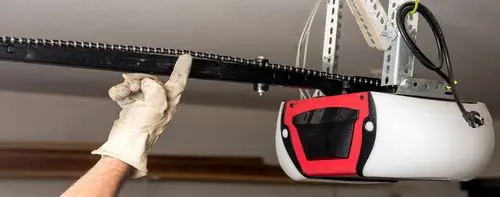
If your opener is outdated and continues to experience frequent connectivity problems despite troubleshooting, it may be time to consider a garage door opener replacement to ensure better performance, security, and reliable Wi-Fi connectivity.
Consider an Upgrade If:
Firmware updates are no longer available
The opener lacks encryption or security updates
Wi-Fi disconnects persist despite troubleshooting
Manufacturer no longer supports the app
Newer models are more reliable, secure, and compatible with mesh networks.
Preventing Future Wi-Fi Issues
To keep your garage door opener connected long-term:
Use a Wi-Fi extender for consistent signal
Keep firmware and apps updated
Avoid changing Wi-Fi network names or passwords frequently
Reboot router monthly
Check connection after router or ISP changes
Preventive maintenance saves time and frustration.
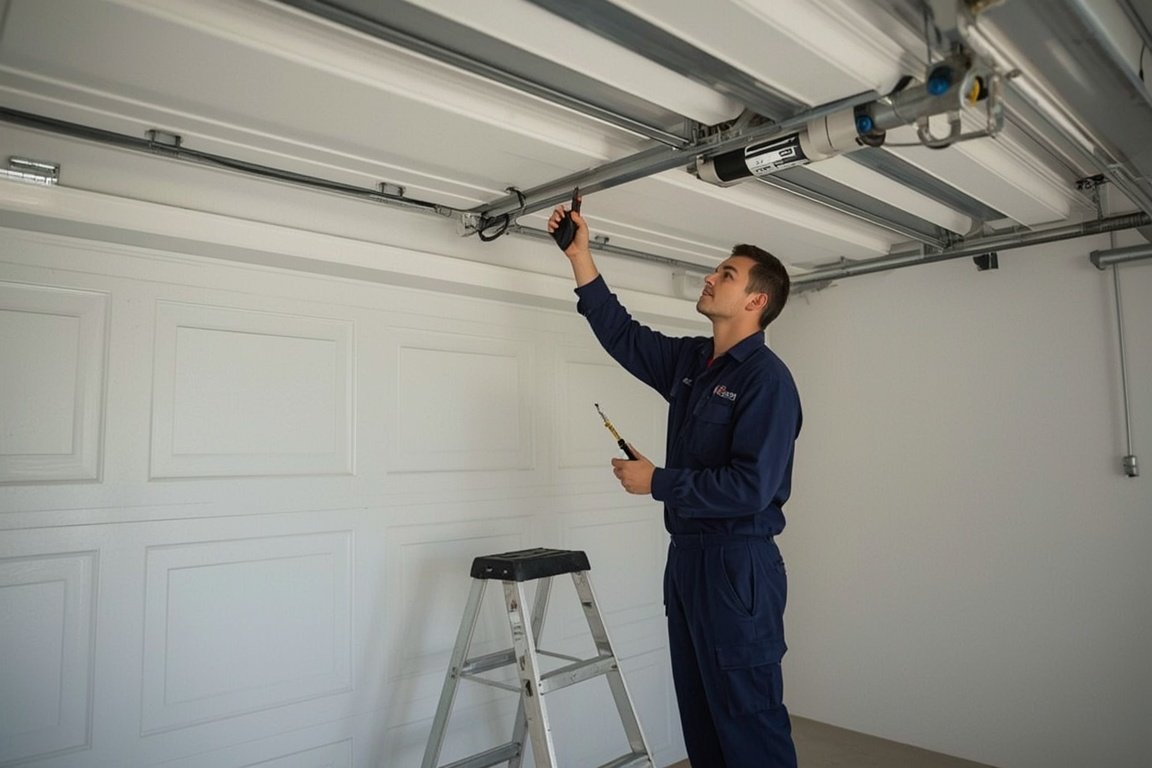
When to Call a Professional
If you've tried all steps and the issue persists, professional help may be required.
A Professional Can:
Test signal strength accurately
Configure router settings properly
Identify hardware issues
Recommend upgrades if needed
This is especially helpful for large homes or detached garages.
Final Thoughts
Garage door opener Wi-Fi connection issues are frustrating but rarely permanent. In most cases, the problem comes down to signal strength, network compatibility, or simple configuration errors. By following the steps in this guide, you can restore a stable connection and enjoy the full benefits of your smart garage door system.
A reliable Wi-Fi connection ensures convenience, security, and peace of mind exactly what smart garage door technology is meant to provide. If you're still experiencing issues or think it may be time to upgrade, contact experts today for expert advice or a professional garage door opener replacement you can rely on.
Skip the YouTube rabbit hole - we'll have a tech at your door same day across Broward, Dade and Palm Beach.