Is your garage door opener taking longer than usual to respond? Signal lag can be frustrating, especially when you're in a rush or dealing with unpredictable South Florida weather. At Garage Door Pros', we understand how vital a fast, reliable garage door system is for homeowners in Miramar, Plantation, Hollywood, and beyond. That's why we're diving into how to prevent garage door opener signal lag and keep your system running smoothly.
Signal lag often stems from interference, outdated equipment, or poor installation. In this article, we'll explore practical fixes like upgrading to a LiftMaster opener, repositioning your antenna, and eliminating signal-blocking devices. You'll also learn how regular tune-ups from trusted professionals like Garage Door Pros' can make all the difference.
But those are just the basics - there's more to uncover. Industry experts like Bob Vila emphasize the importance of maintenance and smart tech upgrades to avoid signal issues. So, let's get into the proven methods that will help you eliminate lag and restore your garage door's lightning-fast response!
Understanding Garage Door Opener Signal Lag
Signal lag in a garage door opener occurs when there's a noticeable delay between pressing the remote and the door's response. Sometimes, the door may respond intermittently or not at all. This delay can be frustrating and, more importantly, unsafe during emergencies. A fast and consistent signal ensures smooth operation and enhances both security and convenience.
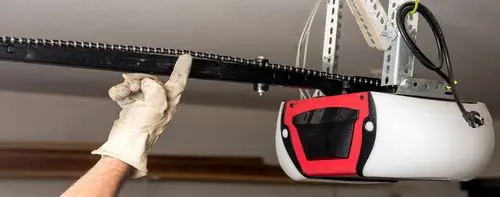
The signal transmission relies on three main components: the remote control, the receiver, and the motor unit. When any of these parts malfunction or experience interference, lag becomes inevitable. Environmental factors, outdated hardware, or weak batteries can also contribute to the issue.
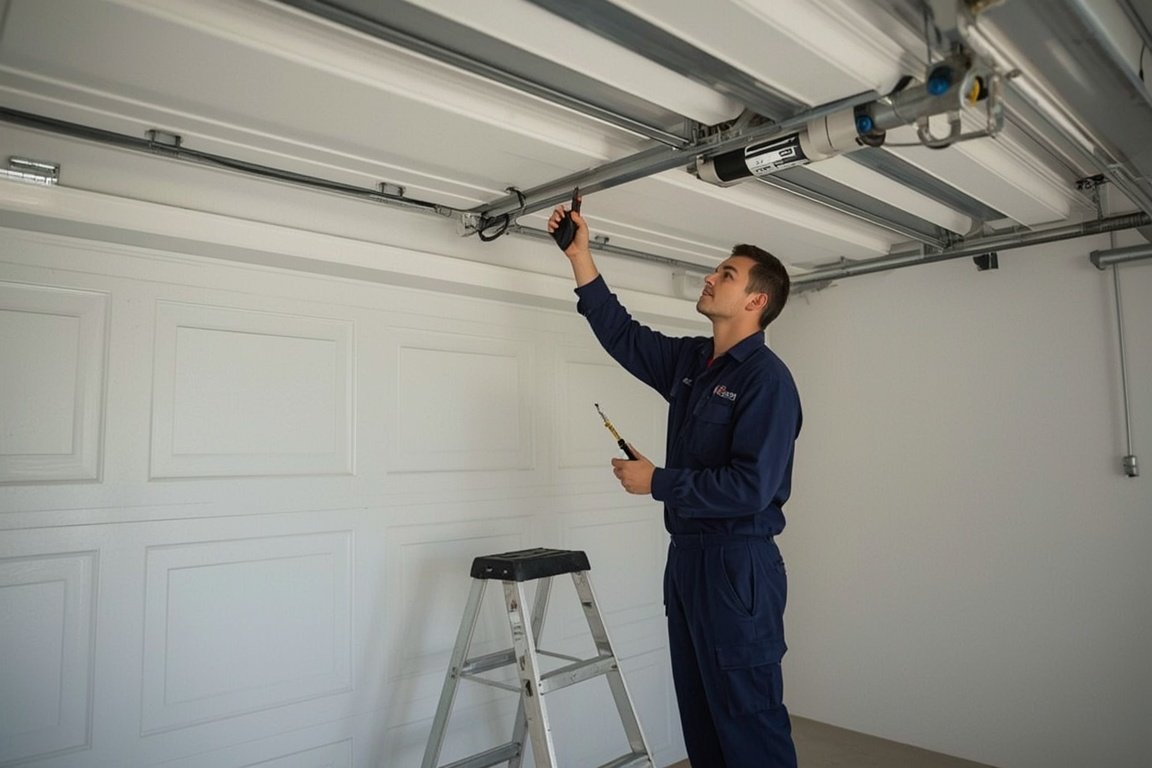
A reliable signal is crucial for seamless access and peace of mind. If your system shows signs of lag, it may be time for a professional garage door opener repair. Regular maintenance can prevent these issues before they escalate. Consider scheduling a garage door tune-up to ensure all components function optimally. Don't ignore the signs - addressing signal lag early can save time, money, and stress.
Common Causes of Signal Lag
Signal lag often stems from interference caused by nearby electronic devices. Common culprits include LED lights, Wi-Fi routers, and even cordless phones. These devices emit frequencies that can disrupt the garage door opener's signal. Metal doors or walls can also block or reflect signals, reducing their strength.
Weak batteries in your remote are another frequent issue. As power drains, the remote struggles to send a strong, consistent signal. Replacing batteries regularly helps maintain optimal performance.
Outdated equipment may also contribute to lag. Older openers lack modern signal technology and are more prone to interference. Upgrading to a newer model can significantly improve response time. Consider a garage door opener replacement if your system is over a decade old.
Environmental factors like extreme temperatures or humidity can affect internal components. These conditions may cause delays or inconsistent operation. Additionally, long distances or physical obstructions between the remote and opener reduce signal strength. Walls, vehicles, or storage items can all interfere.
To ensure smooth operation, schedule a routine garage door tune-up. Regular maintenance helps identify and resolve signal issues before they worsen.
Diagnosing Signal Lag Issues
Start by testing your remote at various distances. Begin close to the opener, then move back in small increments. Try different angles to rule out interference. If the signal weakens inconsistently, note the exact spots where it fails. This helps identify environmental obstructions or faulty components.
Next, inspect the batteries. Weak batteries often cause delayed responses. Replace them even if they seem fine. If the issue persists, use a multimeter or signal tester to check the voltage and continuity of the opener's circuit board. Look for irregular readings or power drops.
Document every symptom. Record when the lag occurs, how long it lasts, and any patterns. This log will speed up troubleshooting and help technicians pinpoint the issue faster.
Also, examine nearby electronics. Devices like routers or LED lights may interfere with the signal. Turn them off temporarily to test for improvement.
If you suspect hardware failure, consider scheduling a garage door opener repair. For persistent issues, a full garage door opener replacement might be necessary. Acting early prevents further complications and ensures smooth operation.
Upgrading or Replacing Remote Batteries
Weak batteries are a common cause of delayed signals in garage door remotes. When power drops, the remote struggles to communicate with the opener. To fix this, start by locating the battery compartment, usually on the back. Use a small screwdriver or coin to gently open the cover. Remove the old batteries and insert new ones, matching the polarity symbols.
For best results, choose high-quality alkaline or lithium batteries. Brands like Energizer and Duracell offer long-lasting performance. Avoid cheap alternatives, as they often drain faster and cause inconsistent signals. Replace your remote batteries every 6 to 12 months, even if they still work. This simple habit prevents unexpected failures.
If your remote still lags after replacing batteries, consider a full garage door opener repair. You can also explore a remote replacement if the issue persists. Regular maintenance ensures smooth operation and extends the life of your system. Don't wait for the remote to fail - stay ahead with timely battery checks.
Minimizing Signal Interference
Household electronics often disrupt garage door opener signals. To reduce interference, start by relocating your Wi-Fi router. Keep it at least 10 feet away from the opener. Avoid placing LED lights near the motor unit, as they can emit disruptive frequencies. If possible, switch to incandescent bulbs in the garage.
Next, consider using ferrite beads on power cables. These small clamps help block high-frequency noise. You can also wrap signal wires in foil shielding to preserve signal clarity. Both options are affordable and easy to install.
If your opener supports multiple frequencies, switch to a less congested channel. This change can significantly improve response time. Consult your opener's manual for instructions.
For persistent issues, inspect nearby devices like baby monitors or cordless phones. Relocate or unplug them during testing. If interference continues, a professional garage door opener repair may be necessary.
Regular maintenance also helps. Schedule a garage door tune-up to ensure all components function properly. Don't let signal lag compromise your convenience or security.
Maintaining and Updating Garage Door Opener Systems
Consistent upkeep is key to avoiding signal lag in your garage door opener. Start with a monthly or quarterly inspection. Check for frayed wiring, loose connections, and worn-out components. Clean the photo-eye sensors using a soft cloth to ensure clear signal transmission. Lubricate moving parts to reduce friction and wear. Test the remote and wall switch for delayed responses.
Outdated firmware can also cause lag. Visit the manufacturer's website to download the latest updates. If your opener lacks update options, it may be time to upgrade. Older hardware often struggles with modern signal frequencies. Consider a garage door opener replacement if lag persists despite maintenance.
If your system is over 10 years old, replacement might be more cost-effective than constant repairs. Newer models offer faster response times and smart features. For expert help, explore our services to find the right solution. Don't wait until the system fails completely. Regular maintenance and timely upgrades ensure smooth, reliable operation year-round.
Enhancing Signal Strength and Range
Installing a signal booster or range extender can significantly improve your garage door opener's performance. Choose models designed for garage use, such as Chamberlain or LiftMaster-compatible extenders. These devices amplify the remote signal, reducing lag and missed commands. Place the booster midway between the opener and your remote's usual location for optimal coverage.
Always follow the manufacturer's instructions during installation. Disconnect power before handling any wiring. Avoid placing boosters near metal objects or thick walls, which can block signals. For added safety, consult a professional if unsure about electrical connections.
Smartphone-based garage door apps offer convenience and remote access. However, they rely on Wi-Fi and may lag during outages. Some users also express concerns about data privacy. Still, they allow real-time alerts and integration with smart home systems.
When comparing brands, look for reliability, range, and ease of setup. Genie and Chamberlain models often rank high in performance. For expert help, explore our garage door opener replacement or smart garage door opener installation services. These options ensure your system runs smoothly and securely.
Professional Help vs. DIY Solutions
If your garage door opener signal lags despite basic troubleshooting, it may be time to call a technician. Issues like faulty sensors, damaged wiring, or motor failure often require expert attention. Attempting complex repairs without proper tools or knowledge can lead to injury or further damage. For minor issues, DIY fixes like replacing remote batteries, resetting the opener, or checking for interference have a 60 - 70% success rate. However, these solutions rarely address deeper mechanical or electrical faults.
DIY repairs typically cost low-cost depending on the parts needed. In contrast, professional services varies based on scope and material depending on the issue. While DIY may seem cost-effective, it carries risks. Electrical mishandling or improper adjustments can cause serious harm or void warranties. Always prioritize safety when dealing with high-tension springs or live wires.
For persistent problems, consider scheduling a garage door opener repair or a full garage door tune-up. These services ensure long-term reliability and peace of mind. If unsure, consult a professional to avoid costly mistakes.
Preventative Measures for Long-Term Performance
Keep your garage clutter-free to ensure the opener signal travels without interference. Remove metal objects near the opener or sensors. These can block or weaken the signal. Regularly sweep out dust and debris to maintain a clean environment. Install a surge protector to shield your opener from sudden power spikes. This simple step can prevent costly electrical damage. Schedule an annual inspection with a certified technician to catch issues early. A professional can identify hidden problems before they affect performance. Keep a detailed maintenance log. Record service dates, part replacements, and any unusual behavior. This helps track trends and supports timely repairs.
For expert help, explore our garage door tune-up services. We ensure your system stays in peak condition. If your opener shows signs of wear, consider a garage door opener replacement to restore full functionality. Staying proactive extends the life of your system and prevents signal lag.
Frequently Asked Questions (FAQs)
A slow garage door opener often results from weak batteries, signal interference, or outdated hardware. Nearby Wi-Fi routers, Bluetooth devices, or even LED lights can disrupt the signal. If your remote's range decreases or the door opens intermittently, the battery is likely low. Replacing it is a quick fix. To boost the signal, reposition the antenna or install a signal repeater. Regular garage door tune-ups also help maintain optimal performance.
Most openers last 10 to 15 years. If yours is older, consider a garage door opener replacement. DIY fixes are safe if you follow the manual and basic precautions. However, complex issues require professional help. Weather changes, especially extreme cold or heat, can affect motor function and signal strength. Yes, smartphone apps can replace remotes, offering more control and convenience.
If nothing works, reset the system or consult a technician. Look for licensed, insured, and well-reviewed professionals. Check local listings or visit our contact page to get expert help fast.
Skip the YouTube rabbit hole - we'll have a tech at your door same day across Broward, Dade and Palm Beach.